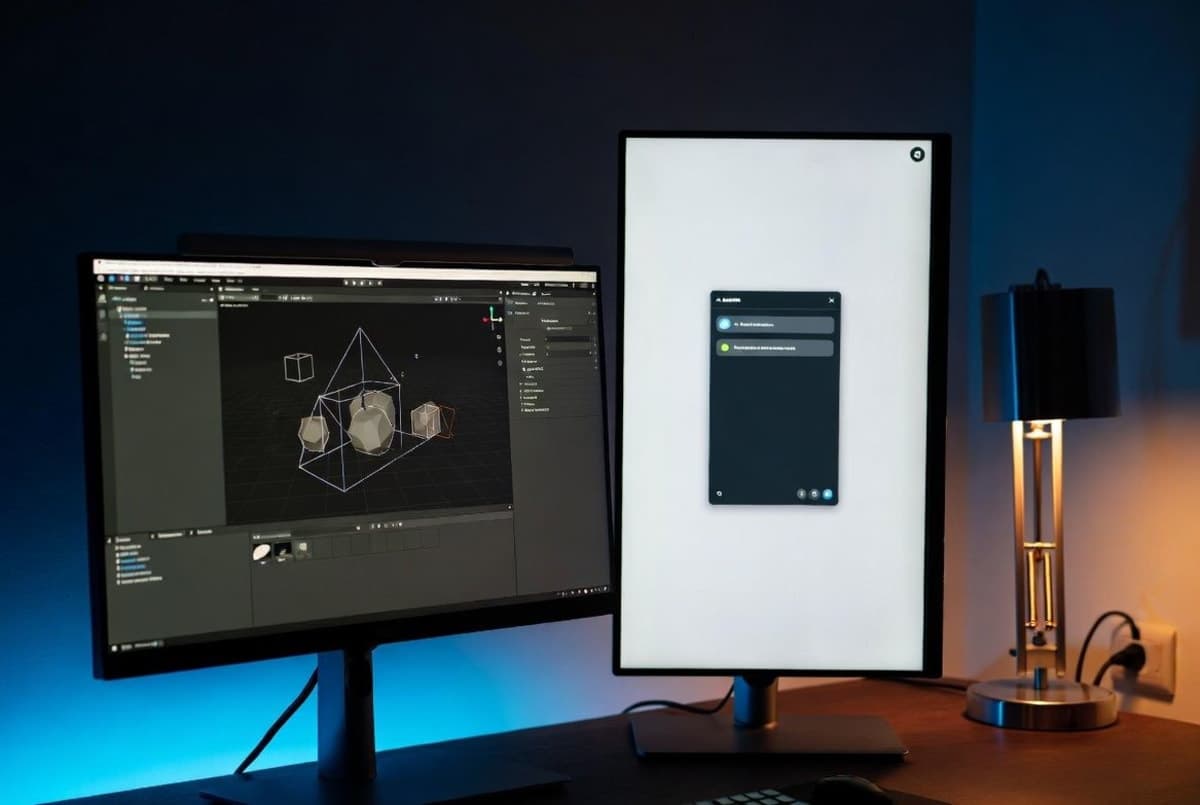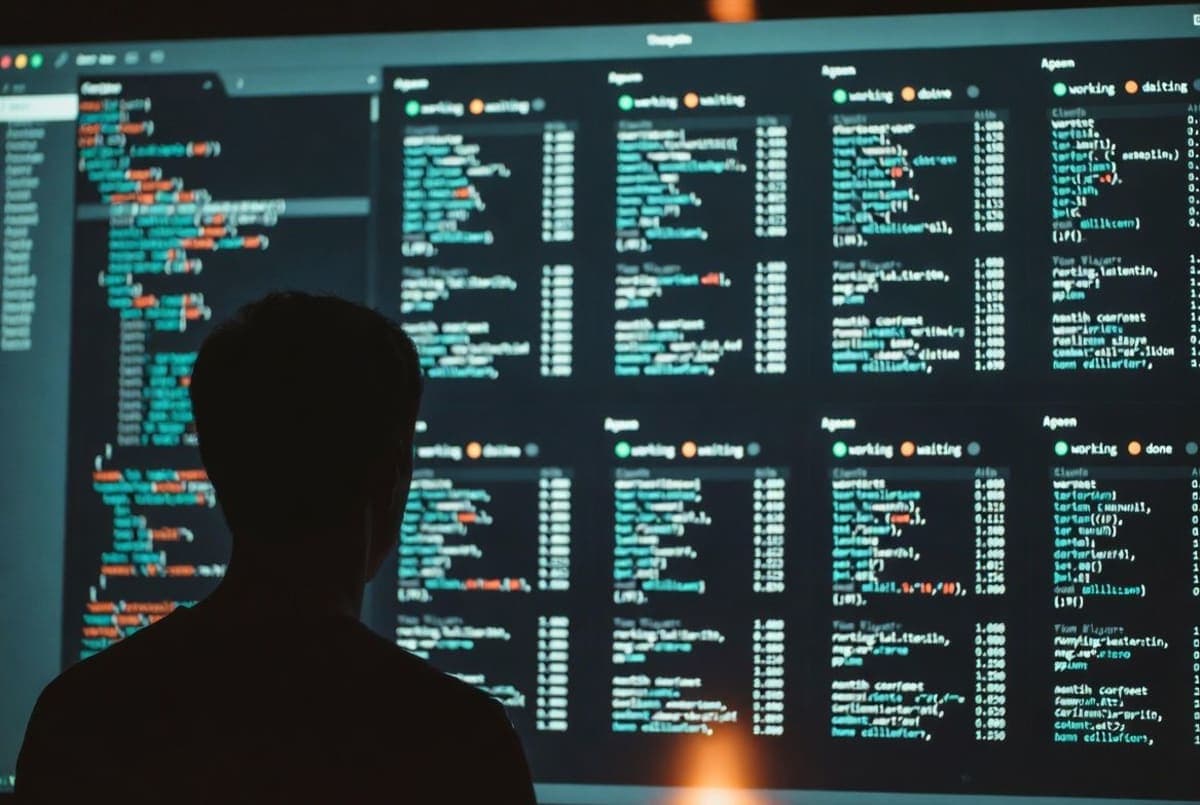
Anthropic shipped agent view for Claude Code, a CLI dashboard that lets developers manage multiple parallel sessions from one screen. The feature went live Monday as a research preview, according to the company's blog post.
The pitch: stop juggling terminal tabs and tmux panes. Run claude agents from the shell, or press the left arrow inside any session, and a roster appears. Each row shows what a session is doing, whether it's blocked on your input, and the contents of its last response. Peek with the spacebar. Attach with Enter to step in.
Existing sessions can be sent to the background with /bg. Fresh background jobs launch with claude --bg [task]. Per the blog post, the goal is letting developers "dispatch several ideas at once" and return to a queue of pull requests, though that framing assumes the underlying agents are reliable enough to leave alone for long stretches.
Agent view requires Claude Code v2.1.139 or later, per the product docs. It's available on Pro, Max, Team, Enterprise, and API plans. Organization admins can switch it off with a disableAgentView managed setting, and the docs warn that keyboard shortcuts may change as the preview evolves.
The release fits a pattern. Anthropic has been steadily layering agent infrastructure onto Claude Code: subagents, agent teams, Remote Control, scheduled prompts, and Claude Code on the web. Agent view is the surface where those pieces become legible to a single developer.
Anthropic hasn't said when the preview moves to general availability.
Bottom Line
Agent view ships today as a research preview on Pro, Max, Team, Enterprise, and API plans, and requires Claude Code v2.1.139 or later.
Quick Facts
- Available on Pro, Max, Team, Enterprise, and Claude API plans
- Requires Claude Code v2.1.139 or later
- Launched as a research preview
- Opens with `claude agents` or the left arrow from any session
- Background sessions launch via `/bg` or `claude --bg [task]`