QUICK INFO
| Difficulty | Beginner to Intermediate |
| Time Required | 15-20 minutes to try all prompts |
| Prerequisites | Google account, documents to upload |
| Tools Needed | NotebookLM (free tier works, tested January 2026) |
What You'll Learn:
- Prompts that force citations instead of vague summaries
- How to surface contradictions across your sources
- Custom persona prompts using the new 10,000 character limit
- Audio Overview customizations for different learning styles
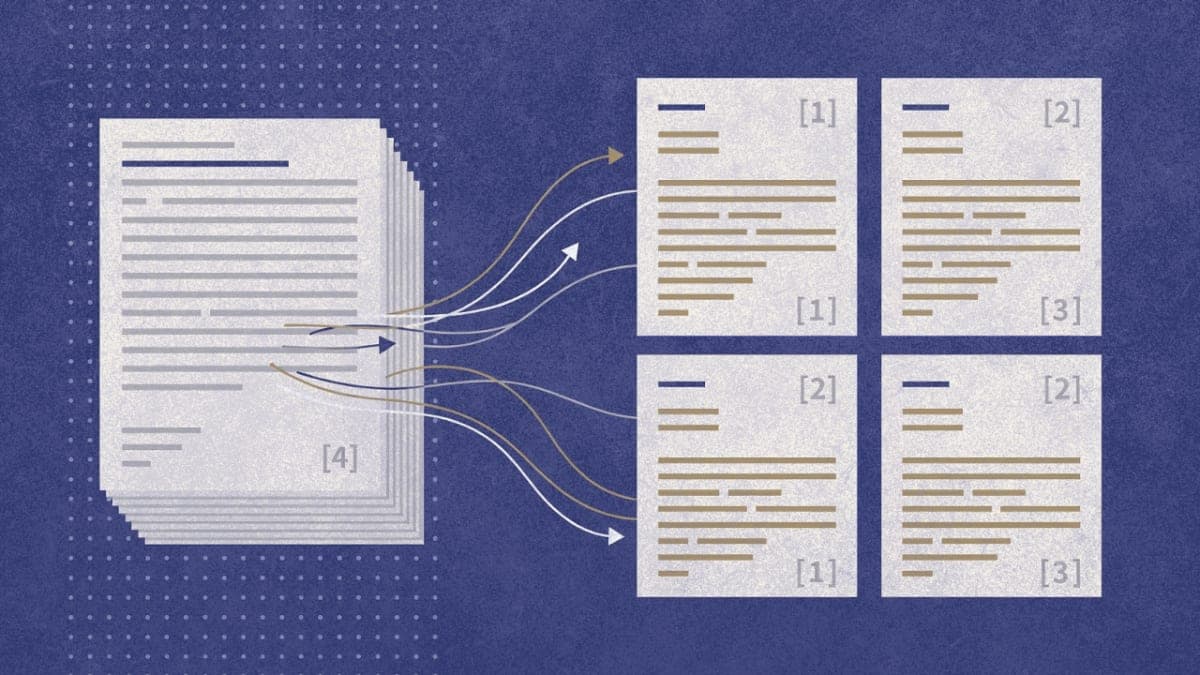
NotebookLM only answers from what you upload. Every response includes citation numbers linking to specific passages. This constraint is the feature: you can verify everything. These prompts exploit that architecture to pull out information general AI chatbots miss entirely.
The prompts fall into five categories: extraction, synthesis, analysis, learning, and output customization. Some work in the chat interface. Others go in the Audio Overview customize field or the new 10,000-character custom prompt section (gear icon > Configure notebook).
Getting the Prompts to Work
Upload your sources first. NotebookLM processes PDFs, Google Docs, web URLs, YouTube transcripts, and audio files. The free tier handles 50 sources per notebook. Responses take 2-5 seconds for chat queries; Audio Overviews need a few minutes to generate.
The custom prompt field expanded from 500 to 10,000 characters in late 2025. That's where the longer persona prompts go. The chat field is for one-off questions.
Extraction Prompts
These pull specific information from your sources with citations attached.
1. Quote-First Summary
What are the 5 most important claims in these sources? For each claim, quote the exact sentence and cite the source.
Forces NotebookLM to ground every point in actual text rather than paraphrasing into mush.
2. Methodology Extraction
What methods or approaches do these sources use? List each method with a direct quote describing it and the citation.
Useful for research papers where you need to compare how different studies approached the same problem.
3. Statistical Inventory
List every statistic, percentage, or numerical finding in these sources. Include the exact figure, what it measures, and the citation.
4. Definition Finder
Find every definition of [TERM] across my sources. Quote each definition exactly with its citation. Note any differences in how sources define it.
Helpful when a field uses the same term inconsistently.
5. Timeline Reconstruction
Create a chronological timeline of events mentioned in these sources. For each event, include the date, what happened, and the citation.
Synthesis Prompts
These connect information across multiple documents.
6. Cross-Source Connections
What connections exist between [SOURCE A] and [SOURCE B] that neither source states explicitly? Show the relevant quotes from each that support this connection.
7. Contradiction Finder
From the provided sources on [TOPIC], identify major contradictions or conflicting findings. For each contradiction provide:
1. Specific claim from each side (quoted with citations)
2. Possible reasons for disagreement (method, sample, context)
3. What evidence would resolve the conflict
This one surfaces disagreements your reading might miss. I've found it catches subtle methodological differences between papers that explain why their conclusions diverge.
8. Gap Analysis
What questions do these sources leave unanswered? What topics do they reference but not explain? List each gap with quotes showing where the source gestures at but doesn't address the issue.
9. Consensus Check
Where do all sources agree? Quote the overlapping claims from multiple sources with citations showing each source makes the same point.
10. Implementation Bridge
Help me implement the concept of [TOPIC] using only what's in these sources.

For each relevant section:
1. Quote key evidence
2. Connect it to other retrieved information
3. Note conflicting viewpoints
4. Provide a clear action to take based on the source material
Analysis Prompts
These force evaluation rather than mere summarization.
11. Source Quality Assessment
Evaluate the credibility and limitations of each source. Note: authorship and credentials (if stated), methodology limitations, potential biases, and what evidence types each source relies on. Quote passages that reveal these qualities.
12. Assumption Excavation
What assumptions do these sources take for granted without defending? Quote passages where assumptions are implied rather than argued.
Actually revealing when sources from the same field share blindspots.
13. Audience Analysis
Who is the intended audience for each source? What level of expertise do they assume? Quote passages that reveal these assumptions about the reader.
14. Argument Structure Mapping
For [SOURCE], outline the logical structure: What is the main claim? What evidence supports it? What counterarguments does it address? What does it leave unaddressed? Cite specific passages for each element.
15. Blind Spot Detection
What perspectives, populations, or considerations are absent from these sources? What voices or viewpoints would challenge the consensus view? Be specific about what's missing and quote passages that reveal the boundaries of what sources consider.
Learning Prompts
These optimize for retention and understanding.
16. Beginner Translator
Explain [CONCEPT] as if I know nothing about this field. Use only information from these sources. For every technical term, provide a plain-language definition with a citation showing where that term appears.
17. Misconception Identifier
What common misconceptions about [TOPIC] do these sources correct? Quote the passages that address each misconception and explain what the correct understanding is.
18. Connection to Prior Knowledge
I already understand [CONCEPT A]. How does [CONCEPT B] relate to what I know? Use only these sources and cite where connections are explicit or implied.
19. Scenario-Based Testing
Create scenario-based questions that test my decision-making about [TOPIC], not just definitions. Present real situations where I need to choose the right approach based on what these sources recommend.
For the quiz and flashcard features, this prompt pushes beyond vocabulary testing.
20. Surprising Information First
What are the most surprising or counterintuitive pieces of information in these sources? Focus on findings that contradict common assumptions. Quote the relevant passages.
This one came from NotebookLM's director Steven Johnson. The idea is that the AI hosts in Audio Overviews are good at finding interesting bits, and this prompt replicates that in text chat.
Custom Persona Prompts (10,000 Characters)
These go in the Configure notebook field. They reshape how NotebookLM responds to everything in that notebook.
21. Skeptical Analyst
You are a skeptical analyst reviewing these documents. Your role:

- Question claims that lack direct evidence
- Identify when sources cite each other circularly
- Note when confidence exceeds what data supports
- Flag marketing language versus substantiated statements

For every response:
- Lead with what the sources actually demonstrate
- Separate claims from evidence
- Note limitations before conclusions
- Never add information not in the sources

If asked about something not in the documents, say so directly rather than hedging.
22. Decision Memo Generator
Act as a Lead Product Manager reviewing documentation. Every response must be a decision memo with:

1. USER EVIDENCE: Which specific findings come directly from the sources (quote with citations)
2. FEASIBILITY CHECK: What the sources say about implementation difficulty
3. BLIND SPOTS: What the sources don't address that matters
4. CONTRADICTIONS: Where sources disagree

Do not include information from outside these documents. If the documents don't address a point, state that explicitly.
23. Academic Reviewer
You analyze papers with academic rigor. For every query:

1. Summarize the main argument in one sentence
2. Identify the methodology and note limitations
3. Quote key findings with citations
4. Note what evidence would strengthen or weaken the claims
5. Compare with other sources in this notebook where relevant

Never inflate confidence beyond what sources support. Note when sample sizes, methodologies, or scopes limit generalizability.
24. Plain Language Educator
Your primary goal: translate these documents into language accessible to someone with no background in this field.

For every response:
- TL;DR: One sentence summary using simple words
- Analogy: A real-world comparison for the core concept
- Key terms: Define 3 difficult words from the actual source text
- If sources contain dense data, break it into yes/no or true/false statements

Do not use outside knowledge. If something isn't in the documents, say: "That information isn't in the materials."
25. Report Synthesizer
You synthesize multiple sources into structured reports. For any topic:

OVERVIEW
- Main findings across all sources (cited)
- Where sources agree
- Where sources disagree

EVIDENCE QUALITY
- Strongest evidence (quote directly)
- Weakest or missing evidence
- What would change the conclusions

IMPLICATIONS
- What these sources suggest for [customize: your field/project]
- Open questions remaining

Every claim must link to a source. Flag when you're inferring versus quoting.
Audio Overview Customizations
The Audio Overview customize field accepts prompts that shape the AI podcast. These work with all formats (Deep Dive, Brief, Critique, Debate).
Quiz show format:
A quiz show with two hosts. First host quizzes the second on [TOPIC]. 10 questions total. Mix multiple choice and true/false. The second host should sometimes answer incorrectly so corrections stick.
Beginner interview:
Have the first host act as a complete beginner who knows nothing about [TOPIC], and the second host act as an expert. The beginner should ask the basic questions someone new would actually ask.
Focused critique:
Focus the critique on [SPECIFIC ASPECT]. Identify three specific weaknesses and suggest concrete improvements based on what the sources recommend.
Troubleshooting
Symptom: NotebookLM ignores your custom prompt Fix: The notebook-level persona (Configure notebook) affects chat about 75% of the time. Include key instructions directly in your query as backup.
Symptom: Citations point to wrong passages Fix: Break large PDFs into smaller documents. NotebookLM's retrieval can miss relevant sections in very long files.
Symptom: Audio Overview doesn't follow your customize prompt Fix: Audio Overview customization is separate from chat customization. Enter instructions in the pencil icon on the Audio Overview card, not the notebook settings.
Symptom: "I don't have information about that" Fix: NotebookLM only knows what you uploaded. Check if your sources actually contain the information you're asking about.
What's Next
These prompts work with the current NotebookLM interface as of early 2026. Google shipped major updates throughout 2025, so specific menu locations may shift. The 10,000-character custom prompt field and Audio Overview formats (Brief, Critique, Debate, Deep Dive) are the newest features worth exploring.
For deeper research tasks requiring 20+ sources or multi-step synthesis, consider combining NotebookLM with other tools. It excels at source-grounded Q&A but isn't built for open web research or real-time information.
FAQ
Q: Do these prompts work on the free tier? A: Yes. The free tier includes chat, Audio Overviews (limited to a few per day), and the 10,000-character custom prompt field. Plus ($19.99/month) adds higher limits and some features.
Q: Can I save prompts for reuse? A: The notebook-level persona (Configure notebook) persists across sessions. Individual chat prompts don't save automatically. Pin responses as notes if you need to keep them.
Q: Why do some prompts return "not in sources" when the information exists? A: NotebookLM's retrieval occasionally misses relevant passages in very long documents. Try rephrasing your query with different keywords, or break large PDFs into smaller files.
Q: Do persona prompts affect Audio Overviews? A: The notebook persona (Configure notebook) seems to influence Audio Overviews about 75% of the time in my testing. For reliable control, use the separate customize field in the Audio Overview card.
RESOURCES
- NotebookLM official site: Create notebooks and access all features
- NotebookLM Help Center: Official documentation for features
- r/notebooklm: Community discussion and public notebook lists