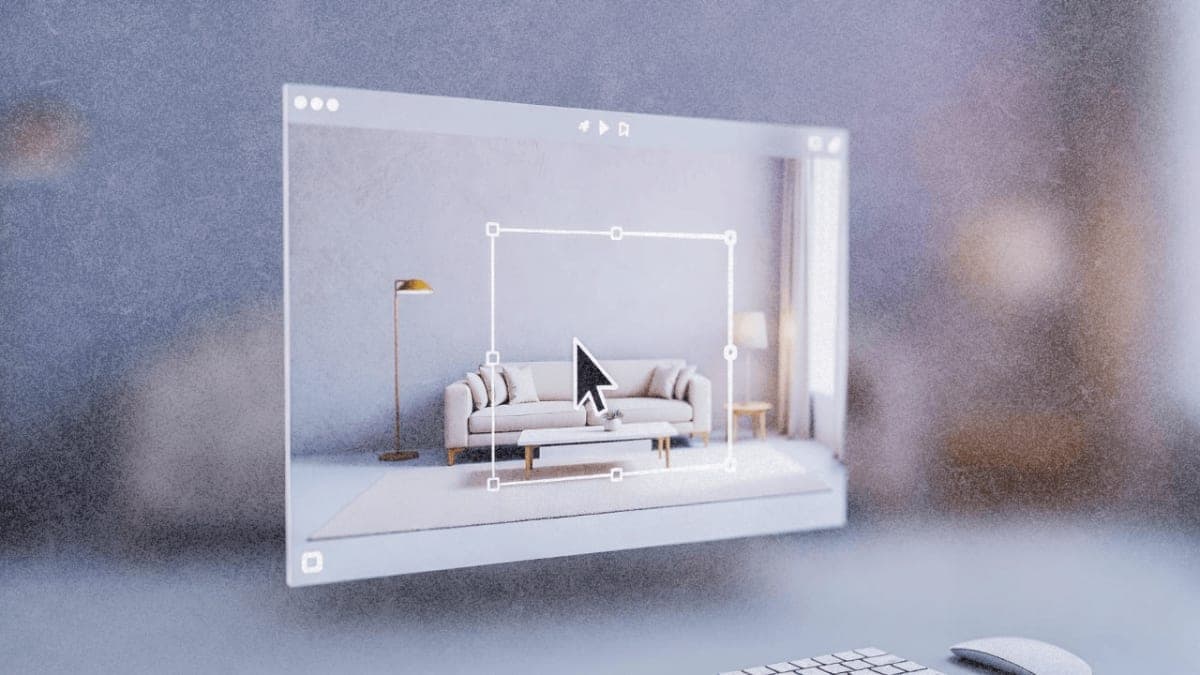
Anyone who's spent 20 minutes rephrasing the same prompt to get an AI image generator to move a lamp three inches to the left will appreciate what Manus is attempting here. The company's new Design View feature, announced December 22, introduces a Mark Tool that lets users click directly on parts of an image to specify what should change.
The workflow: generate an image from a text prompt, then use point-and-click controls to adjust colors, swap objects, or modify text within the image. Manus claims the system preserves original image characteristics during edits, though that's based on the company's own testing. The underlying tech runs on Google's Nano Banana Pro model for image synthesis.
Design View launched as part of Manus 1.6, which arrived December 15 with a beefed-up Max agent and mobile app development capabilities. The company reported a 19.2% increase in user satisfaction in double-blind testing for the Max agent, though details on the benchmark methodology haven't been disclosed. Free users are limited to the 1.6 Lite version; full Design View access requires a Pro subscription.
The tool works across web and mobile, which is unusual for this category. Most AI image editors are still desktop-first. Early feedback from designers highlights the cross-device convenience, though reviews on the Google Play Store show some frustration with recent changes to the free tier.
The Bottom Line: Manus is betting that clicking beats prompting for image refinement, available now to all users with no regional restrictions.
QUICK FACTS
- Feature name: Manus Design View with Mark Tool
- Release date: December 22, 2025
- Parent release: Manus 1.6 (launched December 15, 2025)
- Image model: Google Nano Banana Pro
- Platforms: Web and mobile
- Access: Free users get 1.6 Lite only; Pro required for full features (company-reported)