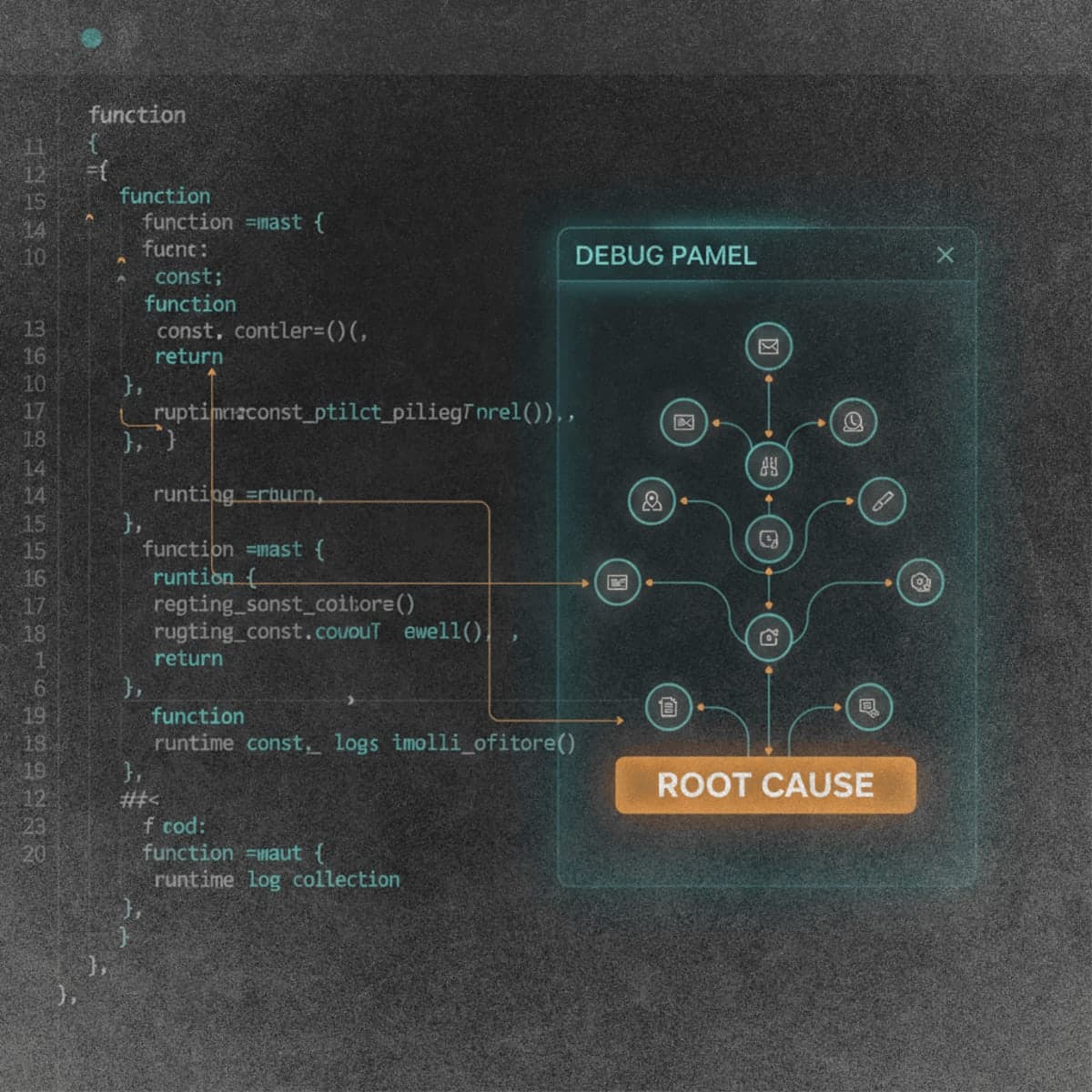
Cursor released version 2.2 of its AI code editor on December 10, 2025, putting a new Debug Mode at the center of the update. The feature tackles bugs that typically stump AI coding agents by collecting actual runtime data before proposing a fix.
The workflow breaks from how most AI tools handle debugging. Instead of immediately generating code, Debug Mode asks developers to describe the bug, then the agent scans the codebase and generates multiple hypotheses about what could be wrong. It instruments the code with temporary logging, waits for you to reproduce the issue, and captures variable states, execution paths, and timing information.
Once the agent has real data, it pinpoints the root cause and proposes a targeted fix. Cursor says this often means two or three lines of code instead of the hundreds of speculative changes a standard agent interaction might produce. After the fix, you reproduce the bug one more time. If it's gone, the agent strips out all the temporary instrumentation, leaving a clean diff you can ship.
Cursor 2.2 also brings inline Mermaid diagrams to Plan Mode, multi-agent judging that recommends the best solution when running parallel agents, and pinned chats in the sidebar. Debug Mode works across stacks, languages, and models.
The Bottom Line: Cursor's Debug Mode requires developers to reproduce bugs twice, trading speed for accuracy in tracking down issues that guesswork can't solve.
QUICK FACTS
- Released December 10, 2025 in Cursor 2.2
- Generates multiple hypotheses before adding any instrumentation
- Captures variable states, execution paths, and timing data
- Produces fixes often 2-3 lines instead of hundreds
- Works across programming languages and AI models