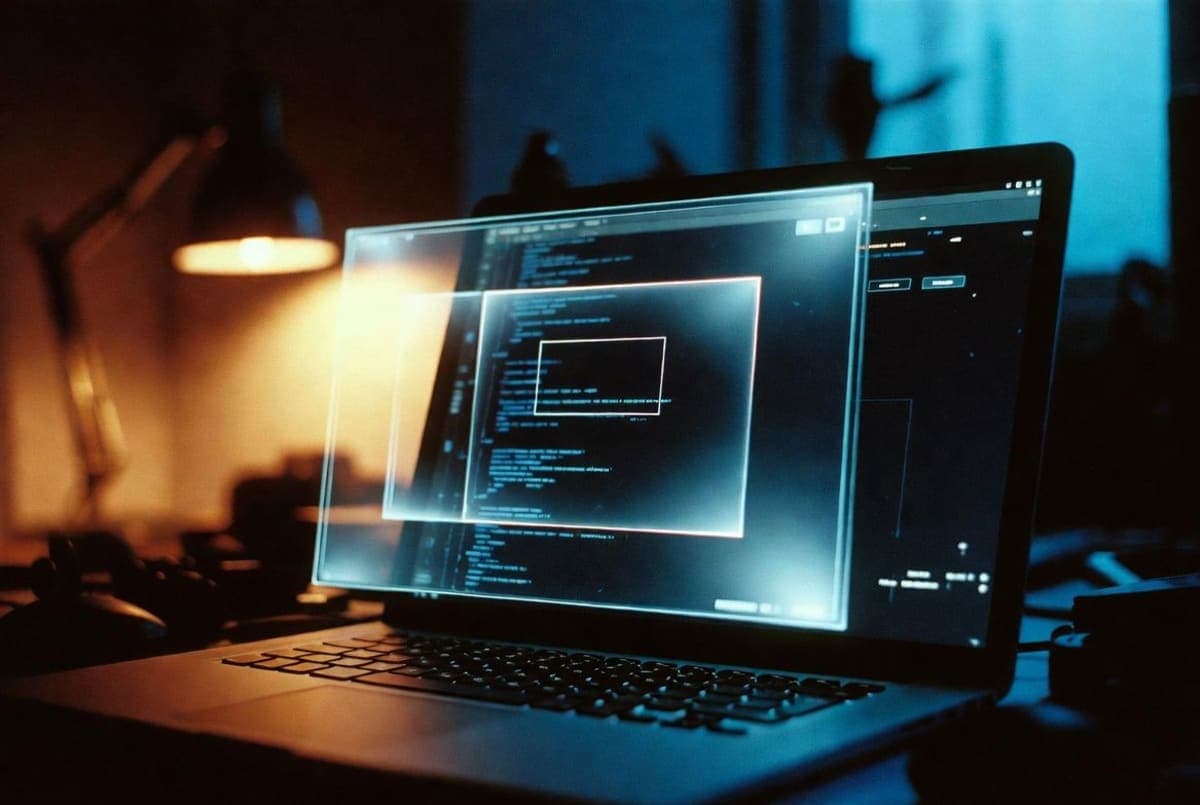
OpenAI rolled out Chronicle for Codex on Monday, a feature that records a user's Mac screen in the background so its coding agent knows what they've been working on. The developer docs frame it as a memory-building tool: periodic screen captures get summarized by an ephemeral Codex session and stored as Markdown files locally.
Screenshots are processed on OpenAI servers, then deleted. The raw captures live under a temp directory on the user's machine and get purged after six hours. Generated memories stick around indefinitely as plain, unencrypted Markdown under ~/.codex/memories_extensions/chronicle.
The docs are unusually candid about the tradeoffs. Chronicle burns through rate limits quickly, stores memories unencrypted, and "increases risk of prompt injection." Any webpage with hidden instructions in the capture frame becomes a potential vector.
Enablement is opt-in and gated. Only ChatGPT Pro subscribers on macOS can turn it on, and it's blocked in the EU, UK, and Switzerland. Setup needs both Screen Recording and Accessibility permissions in System Settings.
Users can pause Chronicle from the menu bar. Deleting the Markdown files by hand removes specific memories.
Bottom Line
Screen captures get wiped after 6 hours, but the Markdown memories they generate sit unencrypted on disk indefinitely.
Quick Facts
- Available only to ChatGPT Pro subscribers on macOS
- Blocked in the EU, UK, and Switzerland
- Screen captures deleted after 6 hours
- Memories stored as unencrypted Markdown files
- Requires Screen Recording and Accessibility permissions