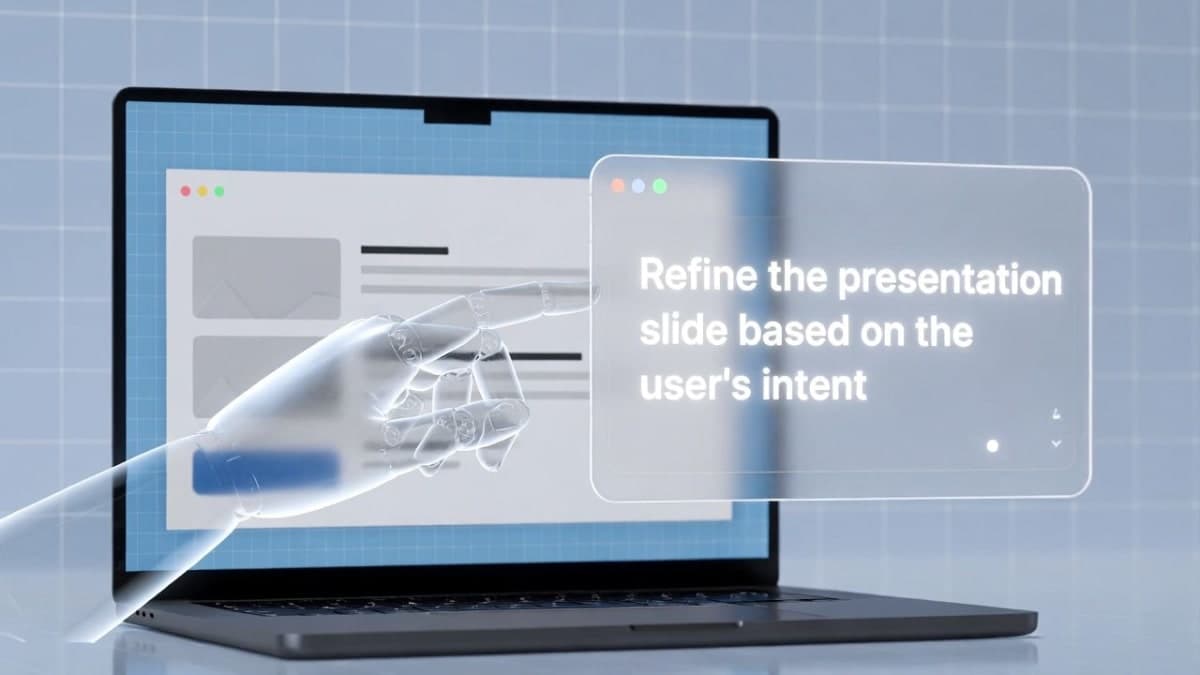
Google's NotebookLM can now revise individual slides through conversational prompts, eliminating the need to regenerate entire decks when one slide needs fixing. The update, announced on X on February 17, also adds PPTX export for the first time.
Previously, changing a single slide meant rebuilding the whole presentation from scratch. Now users click the revise icon, type what they want changed (rewrite text, swap an image, adjust layout), and NotebookLM produces a new version with those edits applied. You can queue changes across multiple slides before generating. Each revision creates a separate saved version, so the original stays intact. There are limits, though: adding or removing slides isn't supported yet, and according to Google's docs, quota caps apply to the total number of deck revisions.
The PPTX export is the more practical addition for most workflows. NotebookLM decks previously only downloaded as PDFs. One catch worth noting: early reports indicate the exported PowerPoint slides render as images rather than fully editable text layers. That limits what you can do once the file leaves NotebookLM. Google Slides export has been teased but has no confirmed timeline.
Both features are rolling out now to Pro and Ultra subscribers. Free users get access in the coming weeks.
Bottom Line
NotebookLM slide decks are now editable via prompt and exportable as PPTX, though exported slides render as images rather than editable text.
Quick Facts
- Announced: February 17, 2026
- New features: prompt-based slide revisions, PPTX export
- Availability: Pro and Ultra subscribers now; free users in coming weeks
- Limitation: PPTX slides export as images, not editable text layers
- Google Slides export: announced, no launch date