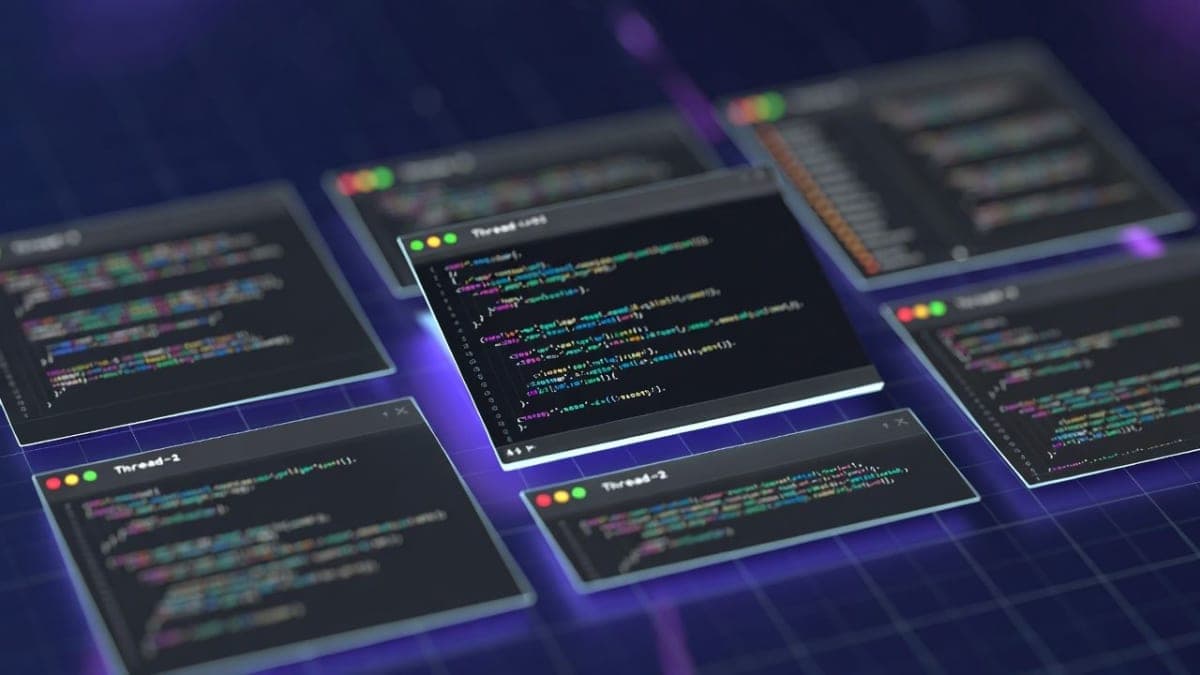
OpenAI's Codex CLI, the open-source terminal coding agent built in Rust, now supports multi-agent workflows. The experimental feature lets developers split complex tasks across multiple parallel sub-agents, each running with its own model, instructions, and sandbox permissions, then consolidates results into a single response.
The feature is behind a flag. You either toggle it via the /experimental slash command in the CLI or drop multi_agent = true into your ~/.codex/config.toml under [features]. Restart Codex, and you're in. For now, multi-agent activity only shows up in the CLI; the Codex desktop app and IDE extension don't surface it yet.
What this actually does
According to the official documentation, Codex handles all the orchestration: spawning sub-agents, routing follow-up instructions, waiting on results, and tearing down threads when they're done. You can ask Codex to spin up agents yourself, or it decides on its own when parallelism makes sense.
The suggested demo from OpenAI's docs is telling. They propose reviewing a PR by spawning one agent per concern (security, code quality, bugs, race conditions, test flakiness, maintainability) and waiting for all six to report back. It's a neat pitch, though whether six concurrent model calls produce better insight than one careful pass remains an open question. The /agent command lets you hop between active threads and inspect what each sub-agent is doing mid-run.
The role system is where it gets interesting
Codex ships with three built-in roles: default, worker, and explorer. But the real draw is custom roles. Each role gets its own TOML config file where you can override the model, reasoning effort, sandbox mode, and developer instructions independently. An explorer agent could run read-only on a lightweight model while a reviewer agent hammers a heavier one with high reasoning effort.
The example configs in the docs reference gpt-5.3-codex, which is a model string that doesn't appear in OpenAI's current public model list. Either the docs are aspirational or they're leaking something coming soon.
"Focus on high priority issues, write tests to validate hypothesis before flagging an issue. When finding security issues give concrete steps on how to reproduce the vulnerability."
That's from the sample reviewer role config, and it reads more like a prompt engineering exercise than a product feature. The quality of multi-agent output will depend almost entirely on how well you write these role instructions, which means the gap between a well-configured setup and a default one could be massive.
Sandbox and safety guardrails
Sub-agents inherit whatever sandbox policy you've set for the parent session, but they run with non-interactive approvals. If a sub-agent tries something that would normally trigger an approval prompt, it just fails. You can also lock individual roles to read-only mode, which is sensible for exploration tasks where you don't want an agent accidentally modifying files while it's supposed to be reading.
There's a max_threads config option to cap how many agents can run concurrently, though the docs don't specify a default value. Given that each sub-agent presumably consumes its own model context window and API calls, running too many in parallel could get expensive fast. OpenAI doesn't break out pricing for multi-agent usage separately; it all counts against your Codex plan limits.
So who actually needs this?
Multi-agent makes the most sense for tasks that are both large and naturally parallel. Codebase exploration across multiple directories. Feature implementation where steps don't depend on each other. Comprehensive code review where different specialists look at different concerns simultaneously. For sequential work where step two depends on step one's output, you're still better off with a single agent.
The broader context matters here. OpenAI launched the Codex desktop app recently with multi-agent as a core concept, and the company says over a million developers have used Codex in the past month. Bringing parallel agent orchestration to the CLI, where power users already live, fills an obvious gap. Anthropic's Claude Code and tools like Cursor don't offer anything comparable at the orchestration level, at least not yet.
The feature is experimental, and OpenAI's changelog shows ongoing work on stability (they recently fixed a CPU busy-wait bug in collaboration flows and added max-depth guardrails). If you try it, keep your expectations calibrated accordingly. Codex CLI is available to ChatGPT Plus, Pro, Business, Edu, and Enterprise subscribers, or via API key.