QUICK INFO
| Difficulty | Beginner |
| Time Required | 15-20 minutes |
| Prerequisites | Claude Code installed, basic terminal familiarity |
| Tools Needed | Claude Code v1.0+ (terminal or VS Code) |
What You'll Learn:
- Install pre-built Skills from the Anthropic marketplace
- Create a custom Skill with a SKILL.md file
- Debug Skills that aren't triggering correctly
- Share Skills with your team through git
Skills in Claude Code work differently than in the web interface. There's no Settings menu to click through. Instead, Skills are folders on your filesystem that Claude Code discovers automatically. You can install them from plugin marketplaces, copy them from GitHub, or write them yourself.
This guide covers Claude Code in terminal and VS Code. The API has its own workflow documented separately.
Getting Started
Skills require Claude Code v1.0 or later. Check your version:
claude --version
Skills live in two locations. Personal Skills go in ~/.claude/skills/ and work across all your projects. Project Skills go in .claude/skills/ within a specific repository and get shared when you commit them to git.
Create the directories if they don't exist:
mkdir -p ~/.claude/skills
mkdir -p .claude/skills
Installing Skills from the Marketplace
The fastest way to get started is installing Anthropic's official Skills. Inside Claude Code, add the marketplace:
/plugin marketplace add anthropics/skills
This registers the catalog. Nothing installs yet. Now install the document Skills:
/plugin install document-skills@anthropic-agent-skills
That gives you the same PDF, Word, Excel, and PowerPoint Skills available in claude.ai. Test it by asking Claude Code to create a document:
Create a Word document summarizing the architecture of this codebase
Claude reads your files, invokes the docx Skill automatically, and generates the document. You don't need to explicitly call the Skill by name.
Creating a Custom Skill
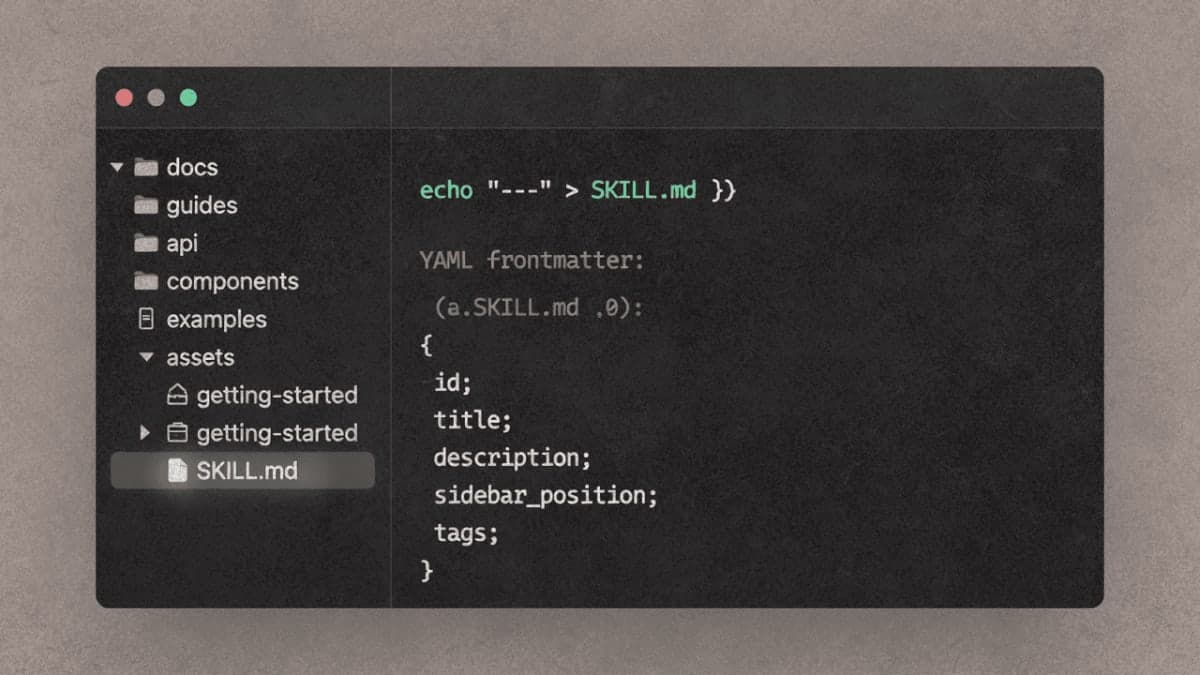
A Skill is just a folder with a SKILL.md file inside. The file has two parts: YAML frontmatter (metadata) and Markdown content (instructions).
Create a folder for your Skill:
mkdir -p ~/.claude/skills/commit-helper
Create the SKILL.md file:
---
name: commit-helper
description: Generate clear commit messages from staged changes. Use when writing commit messages or reviewing what's staged for commit.
---

# Commit Message Generator

## Instructions

1. Run `git diff --staged` to see what's changed
2. Write a commit message with:
   - Summary line under 50 characters
   - Blank line
   - Detailed description if needed
3. Use present tense ("Add feature" not "Added feature")

## Format
:
```Types: feat, fix, docs, refactor, test, chore
Restart Claude Code to load the new Skill. Then test it:
What should my commit message be for these staged changes?
If the Skill is working, Claude runs git diff, reads your changes, and suggests a message following your format.

## Why Your Skill Might Not Trigger

The description field controls when Claude uses a Skill. If your description is vague, Claude won't know when to activate it.

This description is too broad:

```yaml
description: Helps with git
This one works:
description: Generate clear commit messages from staged changes. Use when writing commit messages, reviewing staged changes, or preparing to commit code.
Include both what the Skill does and when Claude should use it. Specific trigger phrases help.
Other common issues: the SKILL.md file isn't in a folder (it should be skills/my-skill/SKILL.md, not skills/SKILL.md), or the YAML frontmatter has syntax errors. Check that your file starts with --- on line 1 and has a closing --- before the Markdown content.
Run Claude Code with debug output to see loading errors:
claude --debug
Adding Supporting Files
Skills can include more than just SKILL.md. Add reference documents, templates, or scripts in the same folder:
my-skill/
├── SKILL.md
├── reference.md
├── templates/
│   └── template.txt
└── scripts/
    └── helper.py
Reference these files from your SKILL.md:
For advanced usage, see [reference.md](reference.md).

Run the helper script when needed:
```bash
python scripts/helper.py input.txt
Claude loads additional files only when it needs them. This is called progressive disclosure. Your Skill can bundle substantial reference material without bloating the context window on every request.

## Restricting What a Skill Can Do

Use the `allowed-tools` field to limit a Skill to specific operations. A read-only code review Skill might look like:

```yaml
---
name: code-reviewer
description: Review code for issues without making changes. Use for code review, PR feedback, or quality checks.
allowed-tools: Read, Grep, Glob
---
When this Skill is active, Claude can only read files and search. It won't ask to write or execute anything.
Sharing Skills with Your Team
Project Skills (in .claude/skills/) commit to git like any other code. When teammates pull, they get the Skills automatically.
git add .claude/skills/
git commit -m "Add code review skill"
git push
For broader distribution, package Skills into a plugin and publish to a marketplace. That's a larger topic covered in the plugin documentation.
Troubleshooting
Skill doesn't appear when I ask "What Skills are available?"
Check the file path. Personal Skills need to be at ~/.claude/skills/skill-name/SKILL.md. Project Skills at .claude/skills/skill-name/SKILL.md. The SKILL.md file must be inside a named folder.
Claude uses the wrong Skill Two Skills with similar descriptions confuse the matching. Make descriptions distinct. Instead of two Skills both described as "for data analysis," specify "Analyze Excel spreadsheets and create pivot tables" versus "Analyze server log files for performance issues."
Scripts in my Skill don't run
Check execute permissions: chmod +x scripts/*.py. Also verify dependencies are installed. Claude will ask permission to install packages, but if something's missing, the script fails.
YAML parsing error
Common causes: using tabs instead of spaces, missing quotes around strings with special characters, or forgetting the closing ---. Validate your frontmatter by checking the first 10 lines match this structure:
---
name: lowercase-with-hyphens
description: Your description here
---
What's Next
Browse the Anthropic Skills repository at github.com/anthropics/skills for examples. The document Skills (docx, pdf, pptx, xlsx) show production patterns. The example Skills demonstrate creative applications like algorithmic art and Slack GIF creation.
For programmatic Skill management, see the Agent SDK documentation. For combining Skills with MCP servers and external tools, the engineering blog post "Equipping agents for the real world with Agent Skills" covers the architecture.
PRO TIPS
Ask Claude directly: "What Skills are available?" It lists all loaded Skills from personal, project, and plugin sources.
Skills and CLAUDE.md complement each other. CLAUDE.md sets project-wide context (conventions, commands, what not to do). Skills package specific workflows Claude can invoke. Use both.
You can force a Skill to activate by being explicit: "Use my commit-helper skill to write a commit message." Useful when testing or when automatic matching isn't working.
COMMON MISTAKES
Putting SKILL.md directly in the skills folder. Wrong: ~/.claude/skills/SKILL.md. Right: ~/.claude/skills/my-skill/SKILL.md. The Skill needs its own subdirectory.
Writing descriptions that are too clever. "The commit whisperer for your git workflow" tells Claude nothing about when to use it. "Generate commit messages from staged changes" is clear.
Bundling too much into one Skill. A Skill that handles "all document processing" is too broad. Split it: one for PDFs, one for spreadsheets, one for presentations. Claude picks the right one based on context.
PROMPT TEMPLATES
Creating a Skill Interactively
Help me create a Skill for [specific task]. The Skill should:
- Trigger when [describe the situation]
- Output [describe the format]
- Use these files/templates: [list any supporting materials]

Generate the SKILL.md file and tell me where to put it.
Customize by: Replacing bracketed sections. Be specific about trigger conditions.
Example output: Claude generates a complete SKILL.md file with frontmatter and instructions, plus the mkdir and file creation commands to install it.
FAQ
Q: Do I need a paid Claude subscription for Skills in Claude Code? A: Claude Code has its own pricing. Skills work with any Claude Code access.
Q: Can I use the same Skill in Claude Code and claude.ai? A: The format is identical. For claude.ai, ZIP the Skill folder and upload it in Settings > Capabilities. For Claude Code, just put the folder in the right location.
Q: How many Skills can I have installed? A: No hard limit. Claude scans Skill descriptions efficiently (about 100 tokens per Skill), so having dozens installed doesn't meaningfully impact performance.
Q: What's the difference between Skills and slash commands?
A: Slash commands are user-invoked. You type /command explicitly. Skills are model-invoked. Claude decides when to use them based on your request. You describe what you want; Claude picks the appropriate Skill.
RESOURCES
- Agent Skills documentation: Official Claude Code Skills reference
- Anthropic Skills repository: Example Skills and document creation Skills
- Skills best practices: Writing effective SKILL.md files
- Equipping agents with Agent Skills: Engineering deep-dive on progressive disclosure and architecture